Skip to content

GAPTCHA

Find, scan, win

2017 · with Sean Nakamura, Tony Gaskell, Brandon Baris and Joelle Torneros

GAPTCHA (Geo-Augmented Place That Checks Authenticity) is an augmented reality scavenger hunt. We printed square markers and left them around for people to find. Scan one with the web app and a green 3D arrow shows up over your camera view, pointing at a hidden checkpoint. An arrow gives you a direction but not a distance, so the idea is to collect bearings from a few markers and walk to where they cross. When you think you're standing on it, you tap Did I Win.

Near the original spot in Honolulu you hunt the hackathon checkpoint. Anywhere else, it hides a demo checkpoint 100 to 300 meters from you, and a live feed shows simulated hunters playing alongside you.

The photos below are from that weekend.

Watch it

This demo plays itself. To hunt for real, open gaptcha.joekarlsson.com on your phone with a printed marker. Open it full screen →

Screenshots

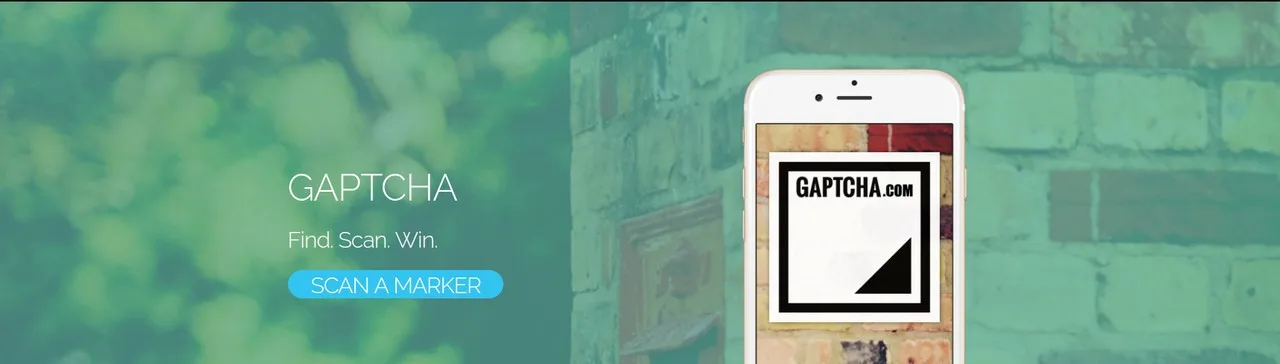
The GAPTCHA homepage: "GAPTCHA, Find. Scan. Win." and a Scan a Marker button over a green-tinted brick wall, next to an iPhone showing a GAPTCHA marker
The homepage
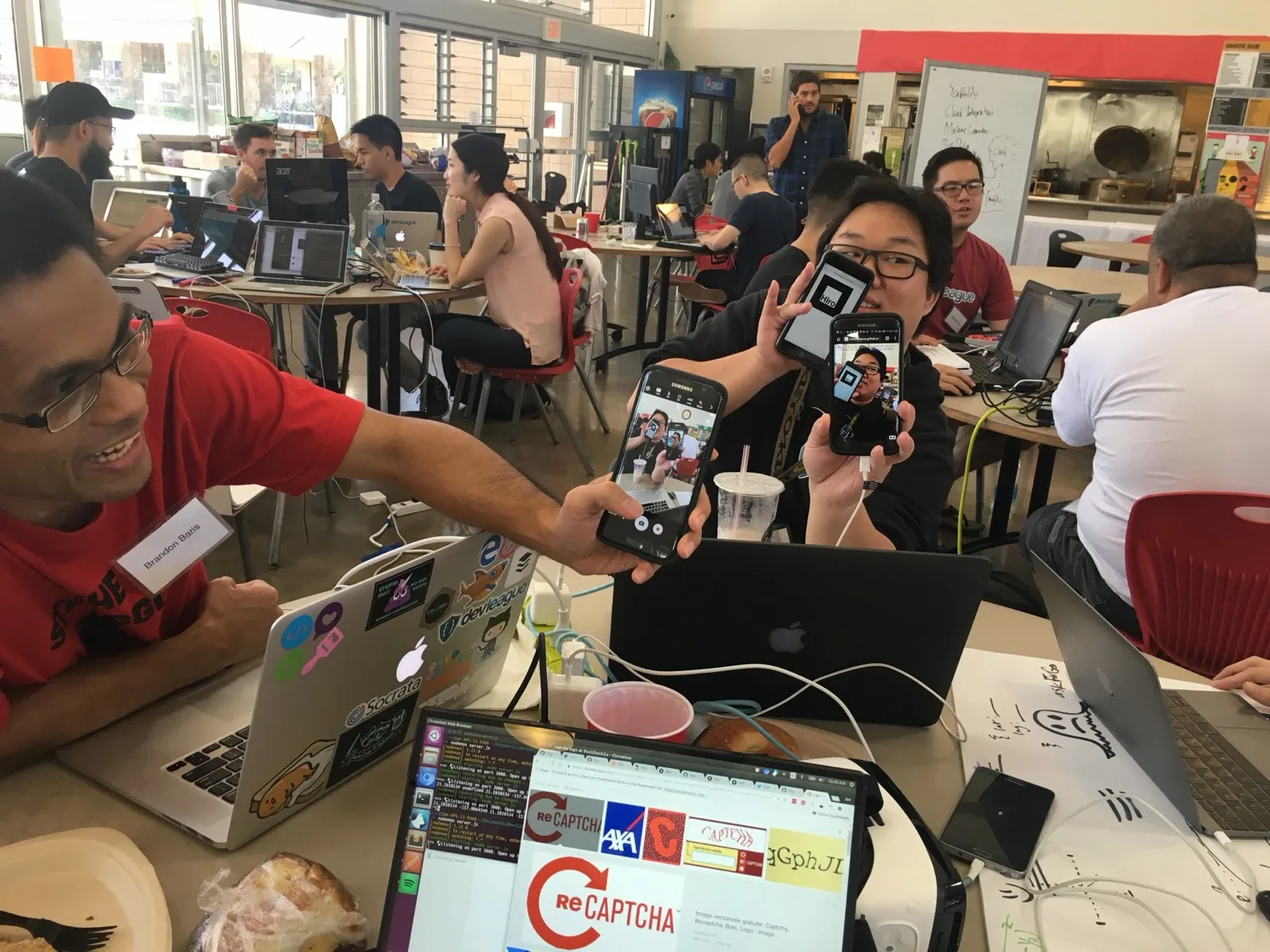
Testing GAPTCHA at a hackathon table: Brandon Baris, grinning in a red shirt, holds out a phone showing the camera view while a teammate behind him holds up a phone with a GAPTCHA marker and another phone running the AR view, with laptops and other teams all around the cafeteria
Testing the AR at the hackathon
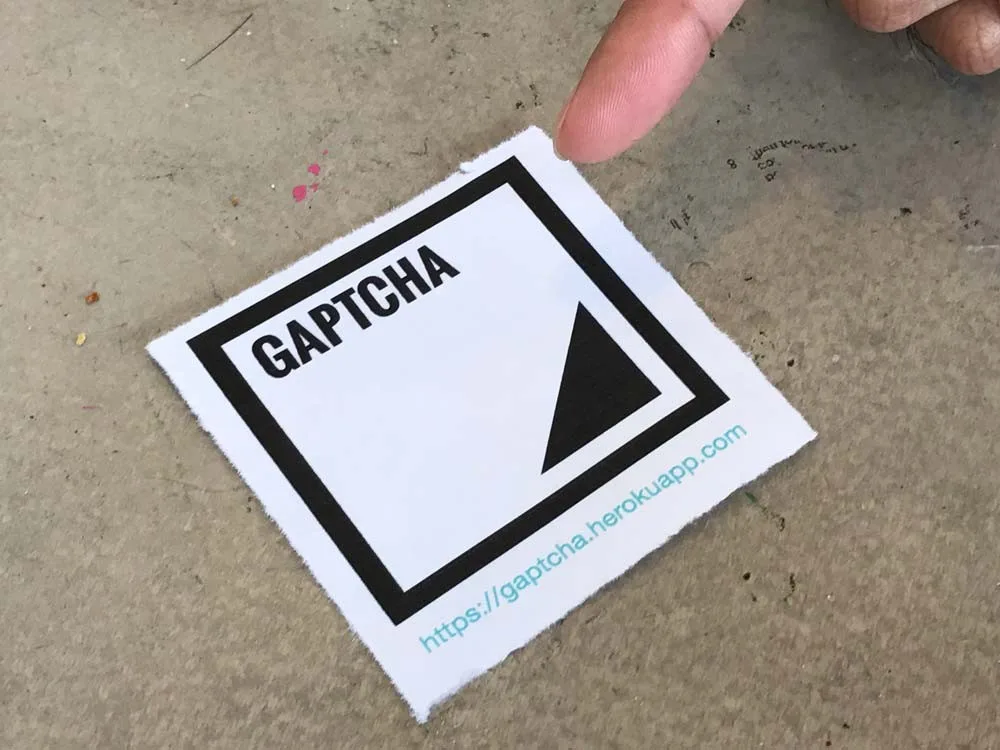
A finger pointing at a printed GAPTCHA marker on a concrete floor: a black square with a black triangle in the corner and gaptcha.herokuapp.com printed underneath
Find a marker
Two people jumping in the air with confetti falling in a school cafeteria full of hackathon tables, an AT&T "Mobilizing Your World" banner behind them
Win

How it's made

Node.js · Express · A-Frame · AR.js · Leaflet · AT&T M2X

We built it at AT&T's hackathon in Honolulu in March 2017. My part was the server, the direction math and the homepage: an Express route that took your phone's position and worked out the bearing to the checkpoint with the Vincenty formula, and a live map from AT&T M2X, which also held the checkpoint so it could move during the game. Heroku and M2X are long gone, so in November 2026 I moved the checkpoint logic into the browser.

AR.js finds the printed marker in the camera, and the browser works out the compass bearing from your GPS position to the checkpoint and turns the arrow toward it. Everything runs in your browser now: the checkpoint, your tries and your last 50 scans live in local storage, and Did I Win checks whether you're within 20 meters.

PRINTED MARKER name on top, facing north SCAN IT AR.js finds it in the camera YOUR LOCATION the phone's GPS BEARING compass direction from you to the checkpoint THE CHECKPOINT the 2017 spot, or 100-300 m from you A GREEN 3D ARROW on the marker, turned to the bearing DID I WIN within 20 m of the checkpoint? No distance, just a direction: scan a few, walk to where they cross within 20 m: you win farther: scan another
PRINTED MARKER name on top, facing north SCAN IT AR.js finds it in the camera BEARING from your GPS to the checkpoint: the 2017 spot or 100-300 m away A GREEN 3D ARROW on the marker, turned to the bearing DID I WIN within 20 m of the checkpoint? No distance, just a direction: scan a few markers and walk to where the arrows cross. Within 20 m: you win, and it shows how many tries everyone took. Farther: scan another marker.

If you liked this project, consider sharing it on Hacker News, Bluesky, LinkedIn, or X.

← All works