Pixelate
Pick a photo, drag the slider.
2015
Artist statement
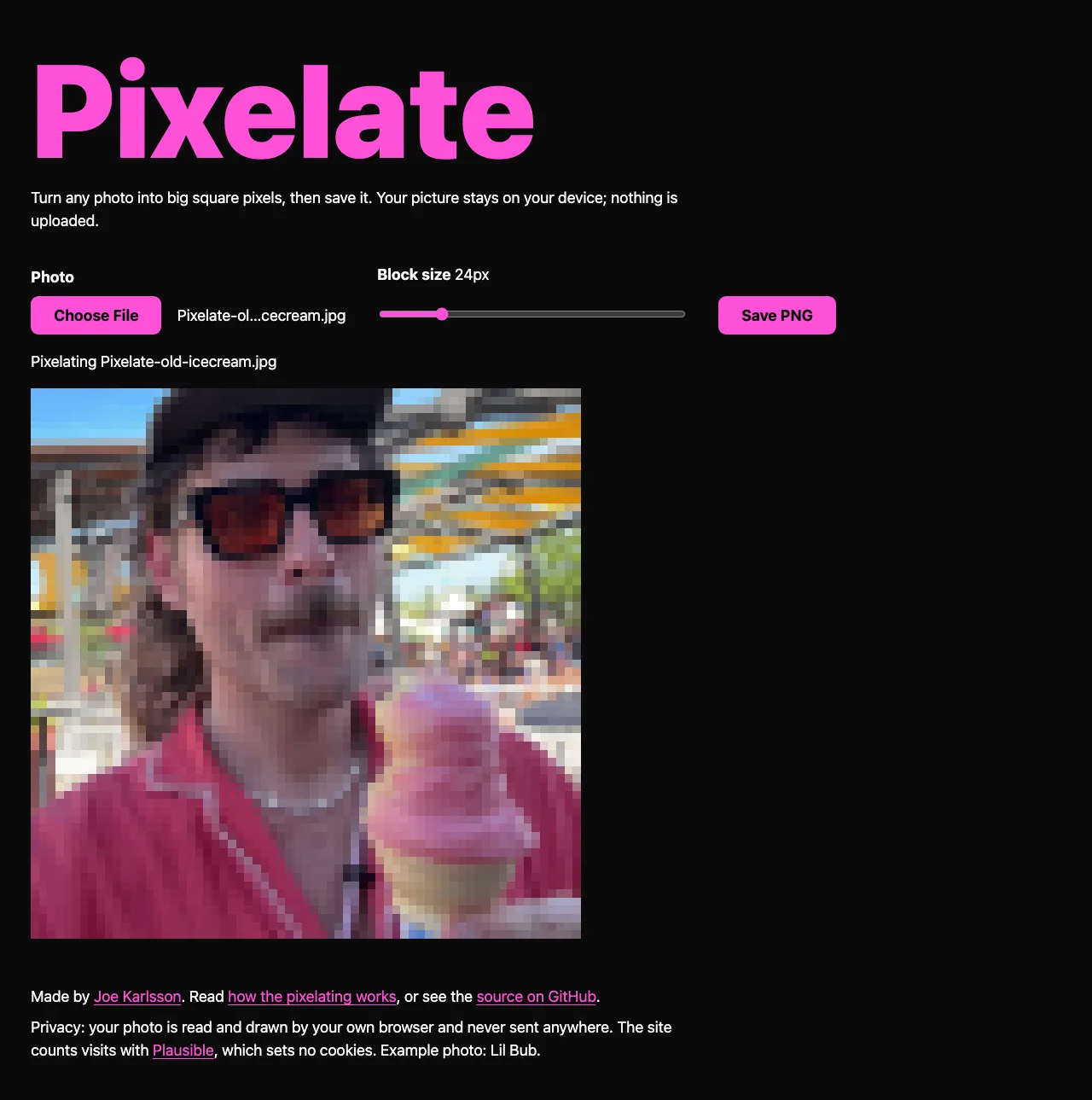
Pixelate turns any photo into big square blocks, and the photo never leaves your phone or computer. Drag the slider and the picture gives up its detail a little at a time, until it's a grid of colors.
Try it
Screenshots
How it's made
JavaScript · HTML5 Canvas
The 2015 version had no pixel math in it. You pasted in an image's URL, it drew the picture at a few percent of its size, and it stretched the tiny copy back up with image smoothing turned off, so the blur you'd normally get came out as hard squares. In November 2026 I rebuilt it to work on your own photo, with each block the exact average of the pixels under it.
Each block is one color, the exact average of the pixels under it, worked out on a copy of your photo no bigger than 2,000 pixels a side so the slider stays quick. I stretch that small grid back up with smoothing turned off, and Save PNG writes it at your photo's full size.
Lineage
If you liked this project, consider sharing it on Hacker News, Bluesky, LinkedIn, or X.
← All works