| 5 min read
Building a Real-Time Digital Graffiti Wall with MongoDB Realm and RGB LEDs
TL;DR
The Digital Graffiti Wall is an interactive art installation where audiences draw on a shared 32x32 pixel canvas in their browsers, and their artwork appears in real-time on a physical RGB LED grid. MongoDB Realm handles the real-time synchronization between all connected clients with anonymous authentication and atomic pixel updates.
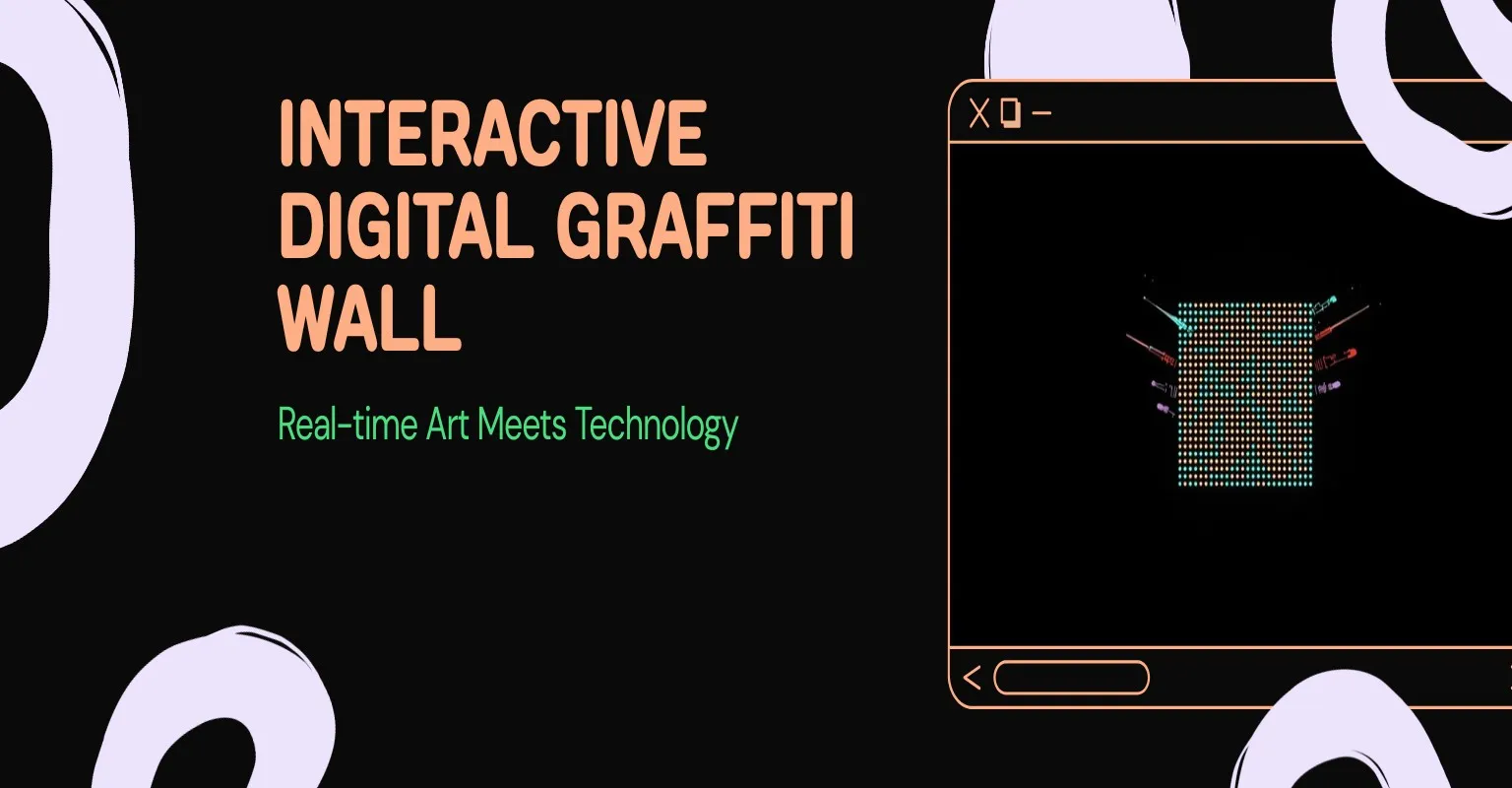
There’s something magical about seeing your digital creation appear on a physical object in real-time. The Digital Graffiti Wall is an interactive art installation I built that lets multiple people draw simultaneously on a shared canvas — and then displays their collaborative artwork on a physical RGB LED grid, live.
The idea came from wanting to make audience interaction with speakers at tech events more collaborative and visual. (If you like physical computing projects, check out my IoT Kitty Litter Box too.) Instead of just typing questions in a chat, what if everyone in the room could paint on a shared wall together?
The Concept
The setup is straightforward: attendees open a URL on their phones or laptops, pick a color, and start drawing on a 32x32 pixel grid. Every stroke syncs to every other connected client and to a physical RGB LED matrix mounted on stage. It’s collaborative pixel art, but tangible.
The constraints shaped the design:
- 32x32 pixels — matches common addressable LED matrix sizes
- 8 colors — simple enough for quick interaction, limited enough for visual coherence
- No accounts — anonymous access means zero friction at an event
- Touch support — most users would be on phones
Architecture
┌──────────────────────────┐
│   Browser (Canvas UI)    │
│   - 32x32 div grid       │
│   - Pointer events        │
│   - Optimistic updates    │
└────────────┬─────────────┘
             │
    MongoDB Realm SDK
    (Anonymous Auth)
             │
┌────────────▼─────────────┐
│   MongoDB Atlas           │
│   - 1,024 pixel docs      │
│   - {color, coord: {x,y}} │
└────────────┬─────────────┘
             │
┌────────────▼─────────────┐
│   RGB LED Controller      │
│   - Reads pixel state     │
│   - Updates LED matrix    │
└──────────────────────────┘
Each of the 1,024 pixels is stored as a document in MongoDB:
{
  _id: ObjectId,
  color: "rgb(255,0,0)",
  coord: { x: 15, y: 20 }
}
Simple, flat, queryable. No nested arrays, no complex schemas. Each pixel is independently addressable and atomically updateable.
The Drawing Interface
The canvas is built from plain HTML divs — no Canvas API, no WebGL. Each of the 1,024 cells is a 20x20 pixel <div> with a unique ID encoding its coordinates.
Drawing uses pointer events for cross-platform support (mouse, touch, stylus):
clickGrid(event) {
    this.fillOnHover = true;
    const cell = event.target;
    cell.style.backgroundColor = this.currentColor;

    const [x, y] = cell.id.split(' ');
    this.mongo.updateOnePixel([x, y], this.currentColor);
}
When you click or tap a cell, two things happen simultaneously:
- The cell changes color instantly (optimistic update)
- The database write fires asynchronously
This means the UI feels instant even though the database round-trip takes a few hundred milliseconds. If you drag your finger or mouse, pointerover events continue painting cells as long as the button is held down.
Real-Time Sync with MongoDB Realm
MongoDB Realm (now Atlas Device SDK) handles the heavy lifting. Users authenticate anonymously — no sign-up, no passwords:
const app = new Realm.App({ id: CONFIG.appID });
const credentials = Realm.Credentials.anonymous();
await app.logIn(credentials);
Note: MongoDB Realm Web SDK has since been rebranded to Atlas Device SDK. The concepts are the same, but import paths and package names have changed if you’re building this today.
Every 5 seconds, each client polls for the current grid state:
async getCurrPixelGrid() {
    return await this.collection.aggregate([
        { $match: {} },
        { $sort: { "coord.y": 1, "coord.x": 1 } }
    ]);
}
The aggregation pipeline returns all 1,024 pixels sorted in display order (top-to-bottom, left-to-right), which maps directly to the DOM structure. The refresh loop walks through the sorted results and updates each cell’s background color.
Individual pixel writes use findOneAndUpdate for atomic updates:
async updateOnePixel(cellID, color) {
    await this.collection.findOneAndUpdate(
        { "coord.x": cellID[0], "coord.y": cellID[1] },
        { $set: { color } }
    );
}
If two people paint the same pixel at the same time, last-write-wins. At a 32x32 resolution with 8 colors, that’s totally fine — the collaborative chaos is part of the fun.
The Physical Display
The 32x32 grid size isn’t arbitrary — it maps to standard addressable RGB LED matrices. WS2812B LED strips arranged in a serpentine pattern create a physical display that a microcontroller drives by reading pixel state from the same MongoDB collection.
The data flow is simple: browser writes pixel to database, LED controller reads pixel from database, physical LED updates. The 5-second polling interval means there’s a slight delay between drawing and physical display, but at an event with 50+ people drawing simultaneously, the wall is constantly changing anyway.
Database Seeding
On first load, the app checks whether the collection has exactly 1,024 documents. If not, it seeds a fresh grid:
async seedDB() {
    const count = await this.collection.count();
    if (count !== 1024) {
        await this.collection.deleteMany({});

        const pixels = [];
        for (let y = 0; y < 32; y++) {
            for (let x = 0; x < 32; x++) {
                pixels.push({
                    color: "rgb(255,255,255)",
                    coord: { x, y }
                });
            }
        }
        await this.collection.insertMany(pixels);
    }
}
A “Clear” button resets all pixels to white using a bulk update. This is useful at events when you want to give the audience a fresh canvas.
Design Decisions
Polling vs. real-time subscriptions. I went with 5-second polling instead of MongoDB change streams. It’s simpler, uses less bandwidth with many concurrent clients, and the slight delay doesn’t matter for collaborative pixel art. At an event, the wall is never “still” anyway.
Divs vs. Canvas API. Individual divs are less performant than a Canvas element, but they’re easier to make interactive. Each cell gets its own click handler, hover state, and color. For 1,024 elements, the performance is perfectly fine.
Anonymous authentication. At an event, you don’t want people creating accounts to participate. MongoDB Realm’s anonymous auth means anyone with the URL can draw immediately. The trade-off is no per-user history or moderation, but for a fun collaborative installation, that’s the right call.
8-color palette. Limiting colors keeps the collaborative output visually coherent. When 50 people are drawing at once, a 16-million color picker would produce visual noise. Eight distinct, saturated colors create recognizable patterns and pixel art.
Running It at Events
The setup is minimal: point a projector at the LED grid (or just let people watch the physical display), share a URL or QR code, and let people draw. The NES.css styling gives it a retro 8-bit aesthetic that matches the pixel art constraints.
The best moments are when the audience self-organizes — someone starts drawing a recognizable shape and others join in, or competing groups try to “claim” corners of the grid. The constraint of 32x32 pixels forces creativity in a way that a blank whiteboard never would.
What I Learned
MongoDB as a pixel buffer works surprisingly well. 1,024 documents with simple reads and writes is well within MongoDB’s comfort zone, and the aggregation pipeline handles the sorting/querying cleanly.
Optimistic updates are essential for interactive UIs. Nobody wants to click a pixel and wait 200ms for it to change color. Update locally first, sync to the database in the background.
Physical computing amplifies digital experiences. The web canvas alone is fun. Seeing your pixels appear on a physical LED grid is exciting. The bridge between digital and physical is where the magic happens.
The source code is on GitHub if you want to run your own at an event. All you need is a MongoDB Atlas account and a dream.