Screencast Director
A screen recorder that does the boring part of the edit.
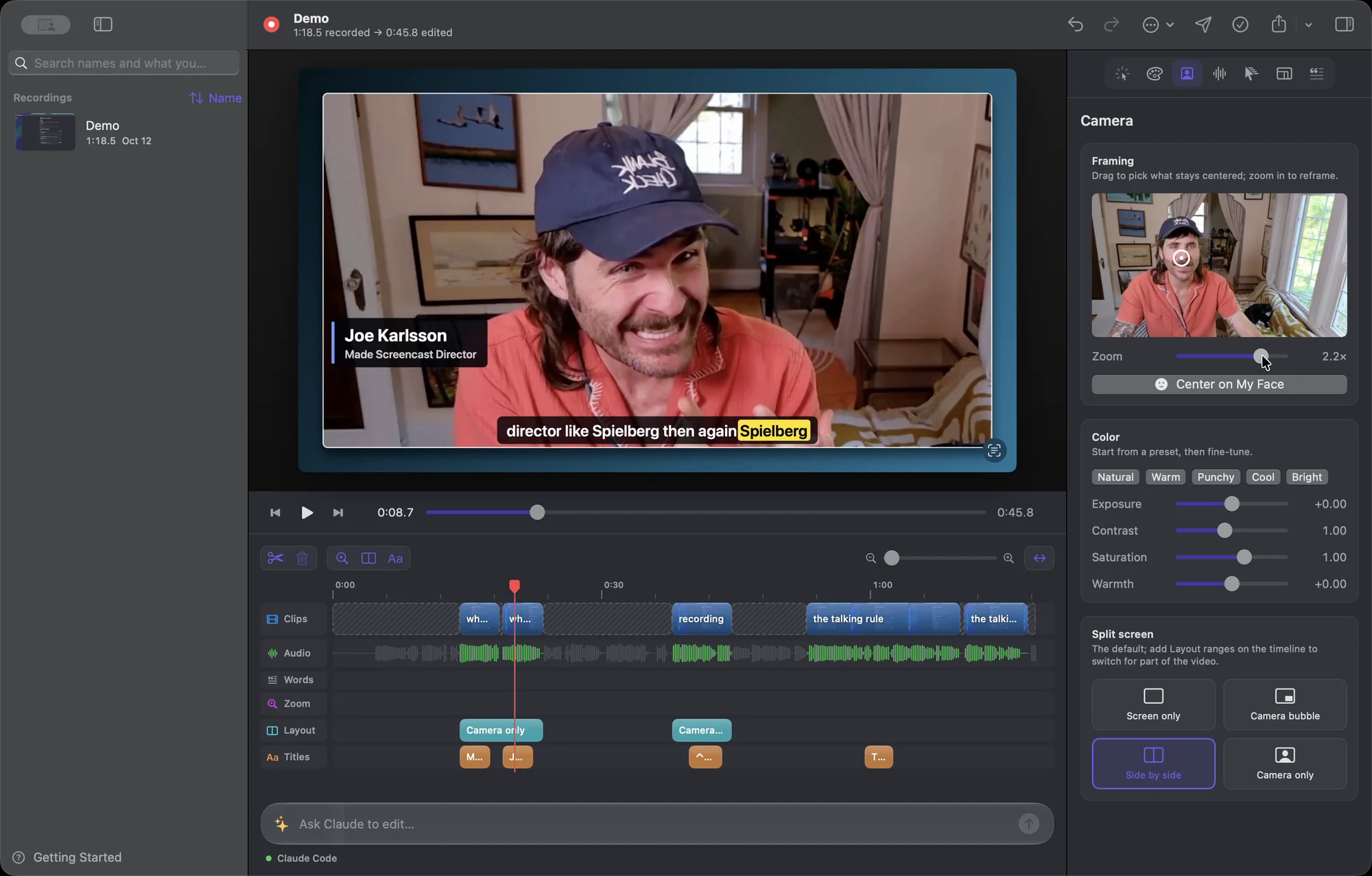
Screencast Director records your screen, mic and camera, then drafts the edit from one rule: while you're talking it plays in real time, typing without talking gets sped up, and silence gets cut. It zooms in where you click, captions what you said, and drops the retakes you mark.
It's a native Swift app for Apple silicon Macs, and transcription runs on your machine with whisper.cpp. It's open source, and you can download the app from the latest GitHub release.
how it works
01
Record
Press ⌃⌥⌘R in any app and talk through your demo. If you flub a line, press ⌃⌥⌘M and say it again.
02
Draft
It transcribes you on your Mac and lines that up with when you clicked and typed, which decides what plays at real time, what speeds up and what gets cut.
03
Adjust or ask
Fix it on the timeline, or type "cut my retakes and zoom in when I mention the config".
ls clips/
Recorded in the app. Hover to play.
ls editor/